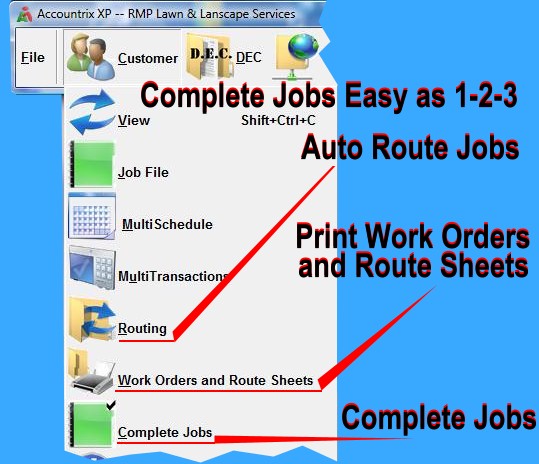
After all customers have been entered and scheduled, the next step is to Auto Route them by Crews and Zones; however,
this is not mandatory. Route Sheets and Work Orders are then generated for a foreman or worker to mark off as the work is performed. Lastly, a bookkeeper or whoever is managing the books Complete
Jobs that were done that day, sending them to the Transactions screen where they await billing. Customers are invoiced later or at the time of completion.
Copyright © 1996-2007 RMP Communications Inc. All rights reserved.
No part of this web site may be reproduced or copied in any form
whatsoever, verbal, written, electronic or otherwise, without the
expressed written permission of the copyright holder. Violators
of this copyright and software pirates will be prosecuted to the
full extend of the law. Site created in the United States of America.